
Start With the Right Artwork Size and Final Layout
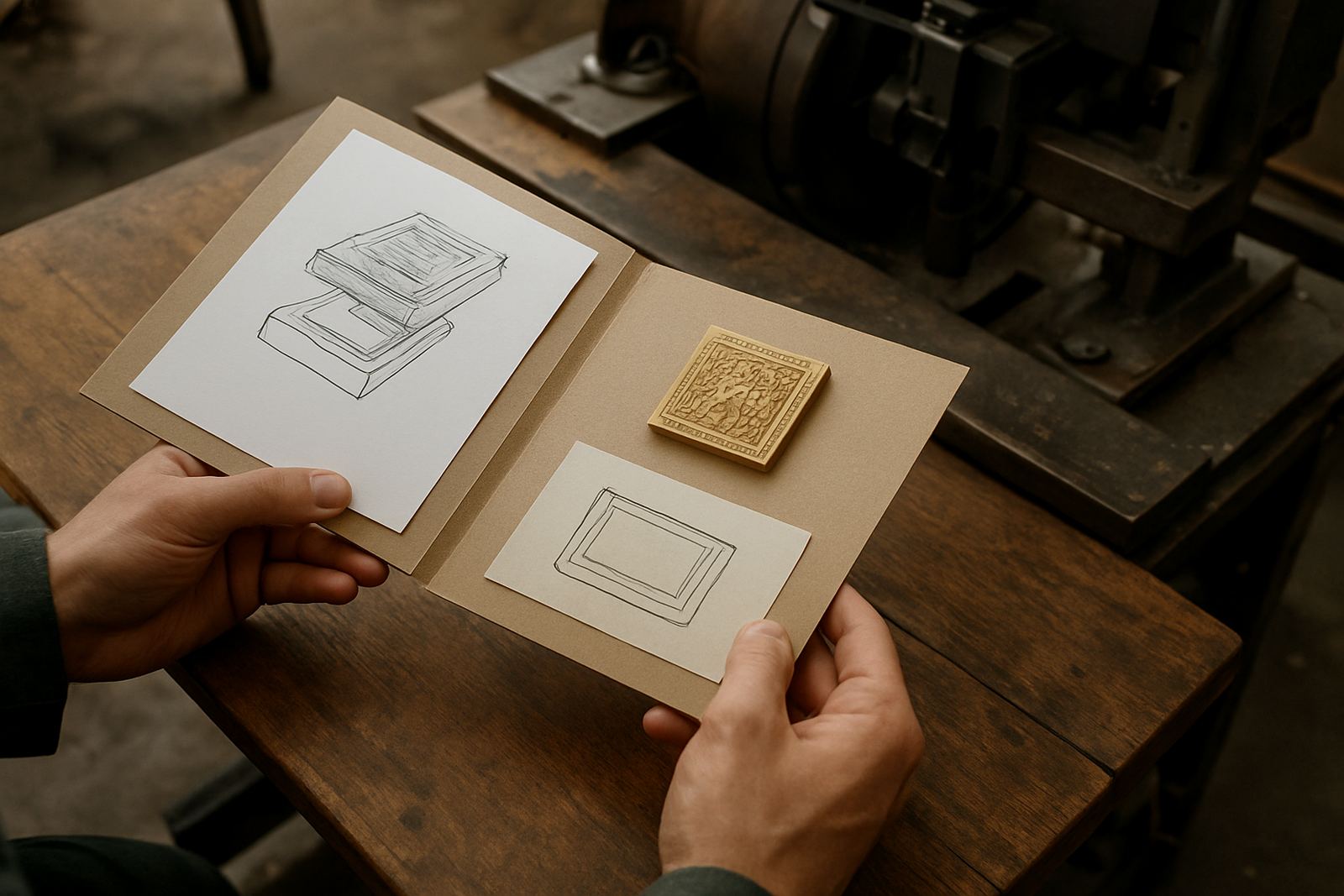
Set your artwork to the exact finished size of the stamped area, not the size of the carton or printed sheet. If the stamp will sit on a flap, label, sleeve or insert, make sure the file reflects the final position and orientation as it will be used on press or in the finishing room. That includes any side seams, folds, gripper margins and safe zones that affect placement.
For repeat work, keep the layout consistent from job to job. A small change in size can affect the counterforce and the impression depth, so always show the final dimensions clearly on the file. If the job needs multiple positions, such as front and back panels or several repeated logos, separate each position and mark the intended spacing.
- Use the exact trim size or finished size
- Mark folds, flaps and glued areas clearly
- Show all repeat positions and spacing
- Keep the stamp area separate from other print elements
Build Clean Vector Artwork for Sharp Die Engraving
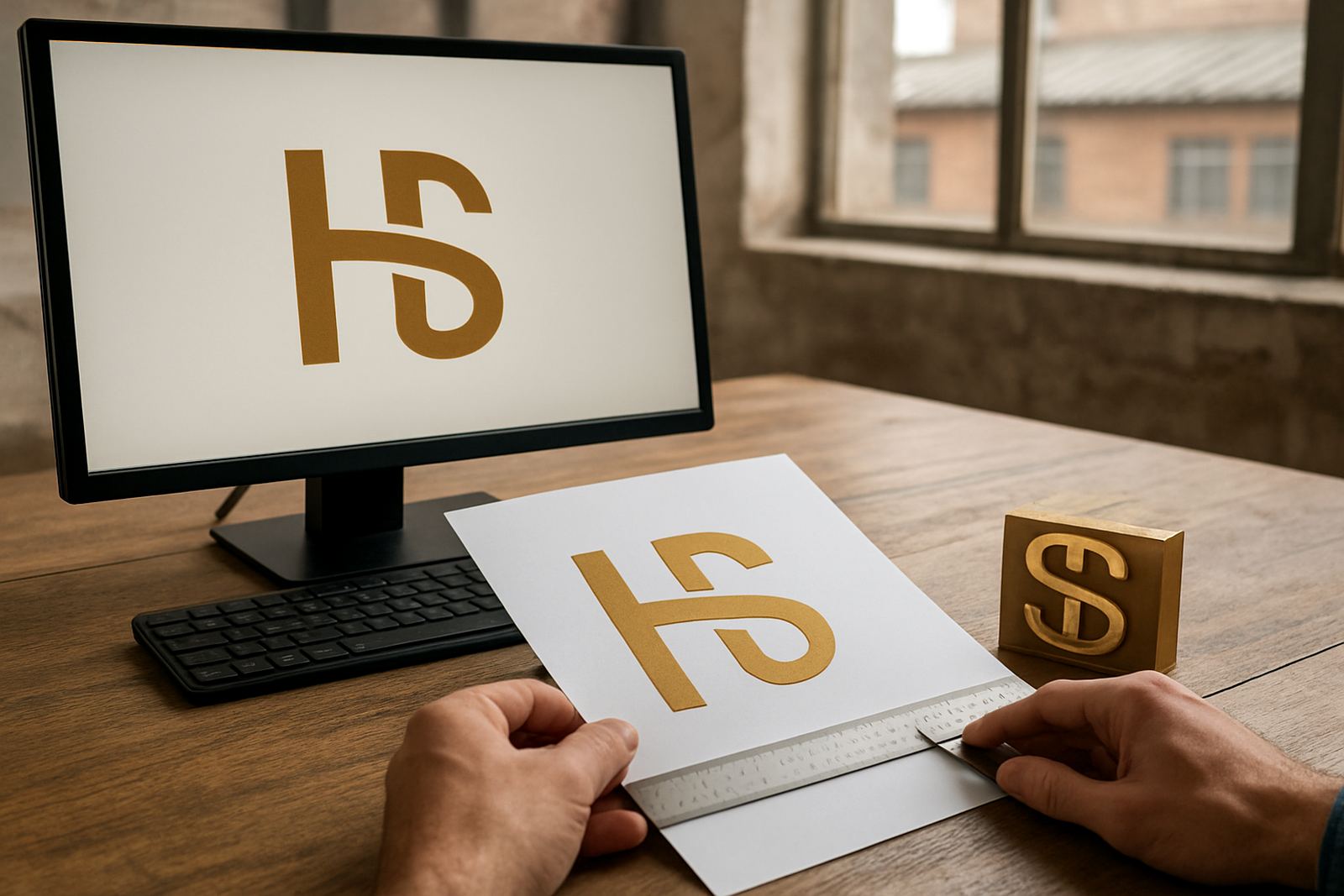
Vector artwork gives the cleanest result for die making because lines, curves and letters stay sharp at any size. Send logos, line art, borders and lettering as editable vector paths where possible. Avoid low resolution images for text or fine detail, because they can soften edges and create uneven shoulders in the die.
If your artwork includes complex details, check whether the smallest lines are practical for brass or magnesium engraving. Very fine strokes, tiny serifs and close spacing may need adjustment for legibility and press performance. A practical rule is that what looks neat on screen must still survive heat, pressure and repeated use on press. Sometimes a small simplification gives a better result and less wear over time.
- Convert text to outlines if required
- Keep line work solid and closed where possible
- Avoid pixelated images for the actual stamping area
- Check tiny details against the real die size
Set Thickness, Relief and Stamp Detail Clearly
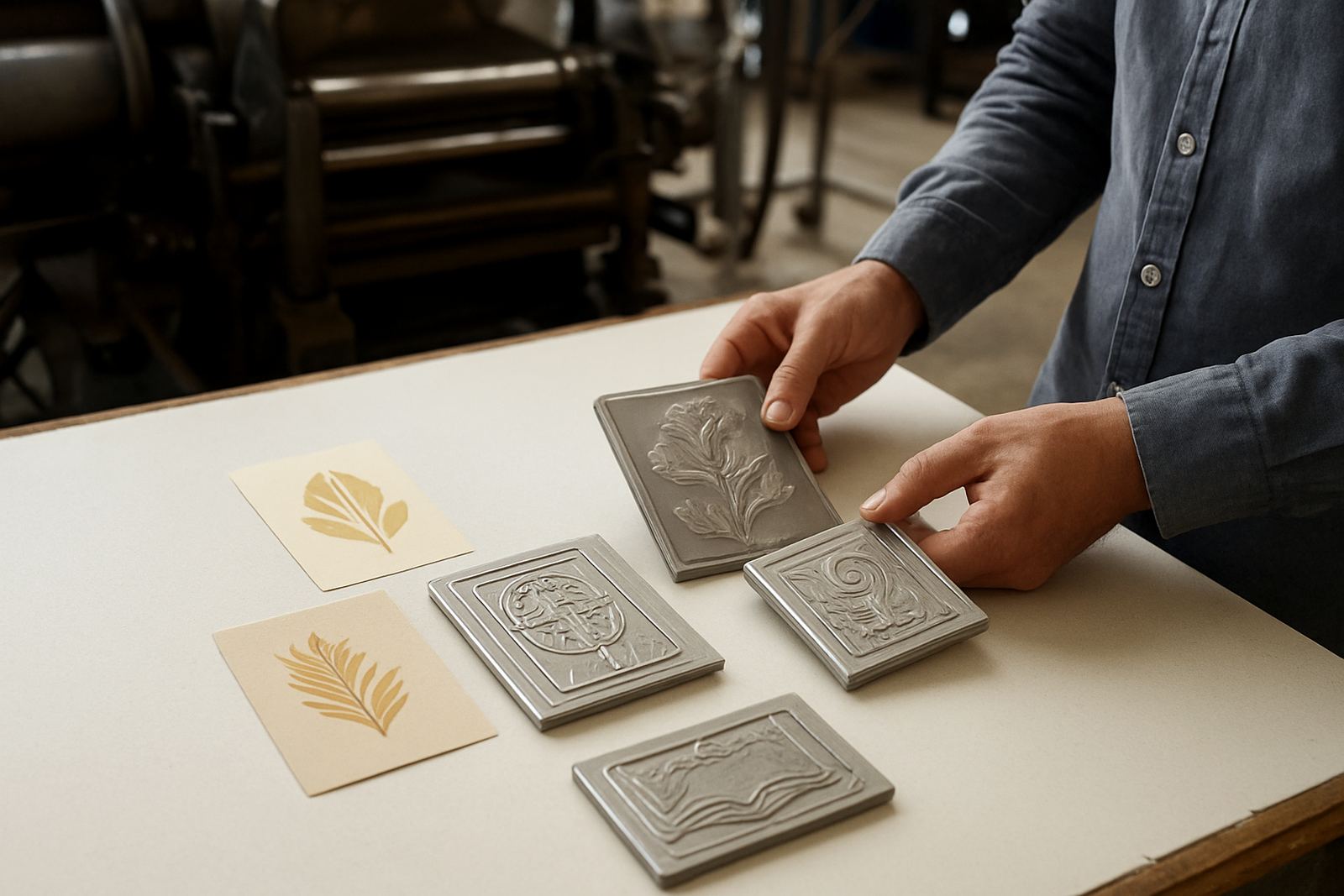
When you prepare files for embossing plates or hot stamping dies, include notes about the expected finish. State whether the job is for a flat stamp, blind emboss, foil stamp, deep impression or a combined effect. This helps with relief depth, counterforce matching and engraving choices.
If you know the stock type, include it. Coated board, uncoated board, textured paper, leatherette and some plastics behave differently under heat and pressure. A heavier board may need a different impression than a lighter one, and coated surfaces can show detail more sharply than rough stock. The more information you give, the easier it is to match the die to the material and the press setup.
For jobs with multiple layers, such as a foil stamp over embossing, label which element comes first in the process. That keeps the artwork clean and helps avoid confusion when the job is handled by the engraving and dispatch teams.
Add Notes That Help the Production Team
Clear notes save time, especially on urgent turnaround work. Include any special instructions directly on the artwork or in a separate note page. If there is a previous die number, sample impression reference or repeat order detail, add it so the team can file the job correctly.
Good notes also help with checking the file against the brief before engraving begins. If there are known problem areas such as thin lines, reversed lettering, very small text or a stamp that sits close to a fold, point them out early. That is better than discovering the issue after production has started and the courier is already booked.
- State the stock type and thickness if known
- Include job reference and repeat order details
- Mark special instructions for depth or finish
- Flag any previous issues with the same artwork
Check Resolution, Colours and File Delivery Settings
Even though die work is not about colour printing, the way the file is saved still matters. Keep background elements separate from the actual stamp artwork so there is no confusion about what must be engraved. If you are sending a PDF, make sure it is high quality and that the important elements are not flattened into a blurry image.
Use clear naming for layers and pages where possible. A file named with the job name, version and date is much easier to manage than one with a generic title. If the artwork is being shared from a larger print layout, trim away anything that does not belong to the die area. This keeps the file light and easier to review, especially when jobs are moving between Johannesburg, Pretoria, Durban and the other major centres.
Before sending, do a final check on screen at 100 percent. Tiny problems are easier to catch then than after production. A small typo or missing element can cause delays, and that can hold up packing and dispatch across the country.
Final Preflight Checklist Before You Submit
Use a final check before you submit the job through the enquiry form. A tidy file gives the production team what they need to confirm the artwork, plan engraving and prepare the right packing. It also makes repeat ordering simpler later, because the approved version is easier to match and file.
Work through the list below before sending the artwork. If anything is unclear, note it in the job brief so it can be checked at the start rather than halfway through production. That helps avoid rework and keeps the turnaround moving for print finishers and packaging houses nationwide.
- Finished size matches the real stamping area
- Artwork is vector where possible
- Text is legible at final size
- Folds, flaps and safe zones are marked
- Special notes are included
- File name is clear and versioned
- Previous job reference is added if repeating
If you are unsure about the file setup, send the artwork through with your notes and ask for artwork checks before production starts. A quick check now can save time on the press later, and that matters when the job has to move through busy finishing schedules and courier collections.