
What fill in looks like on the press sheet
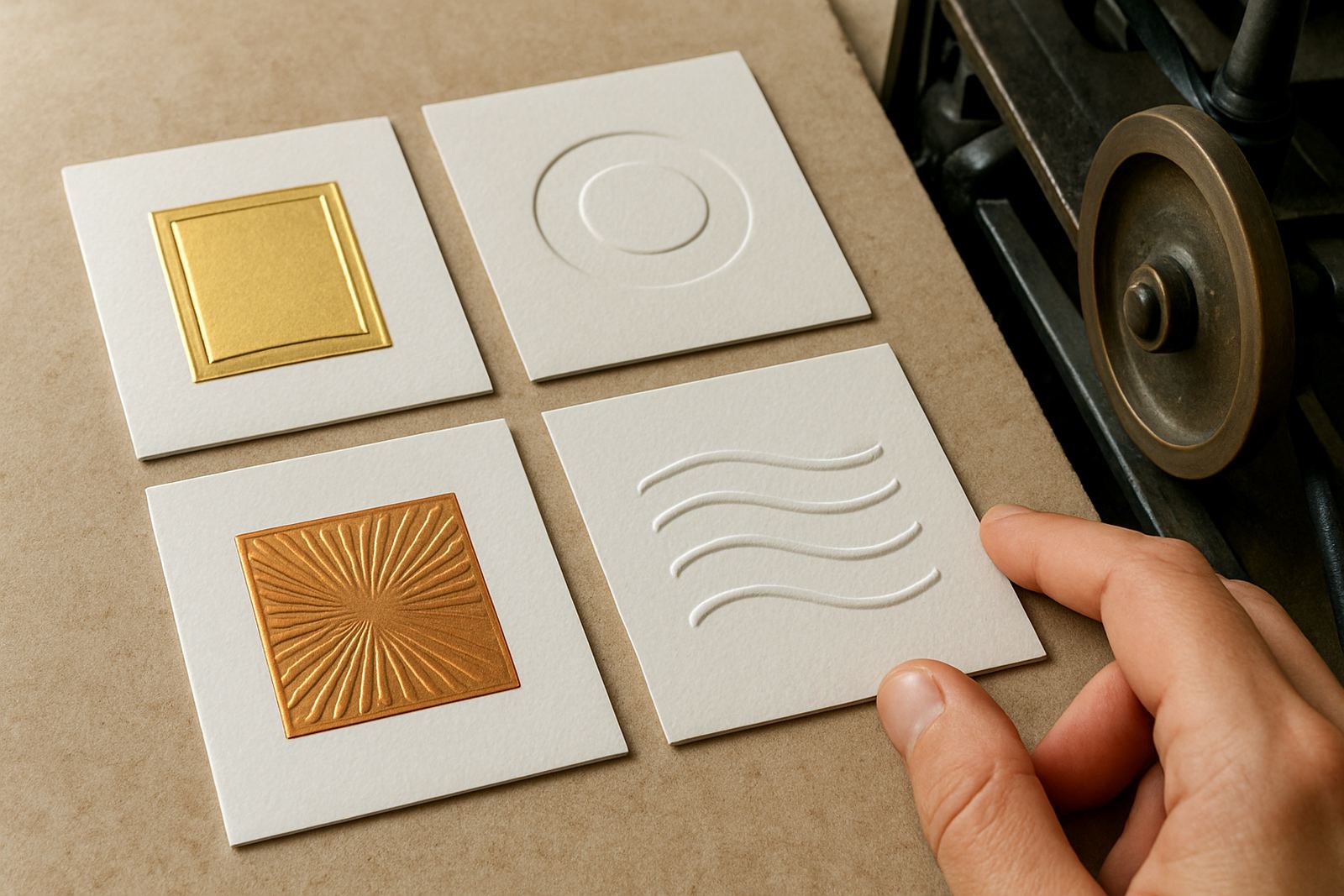
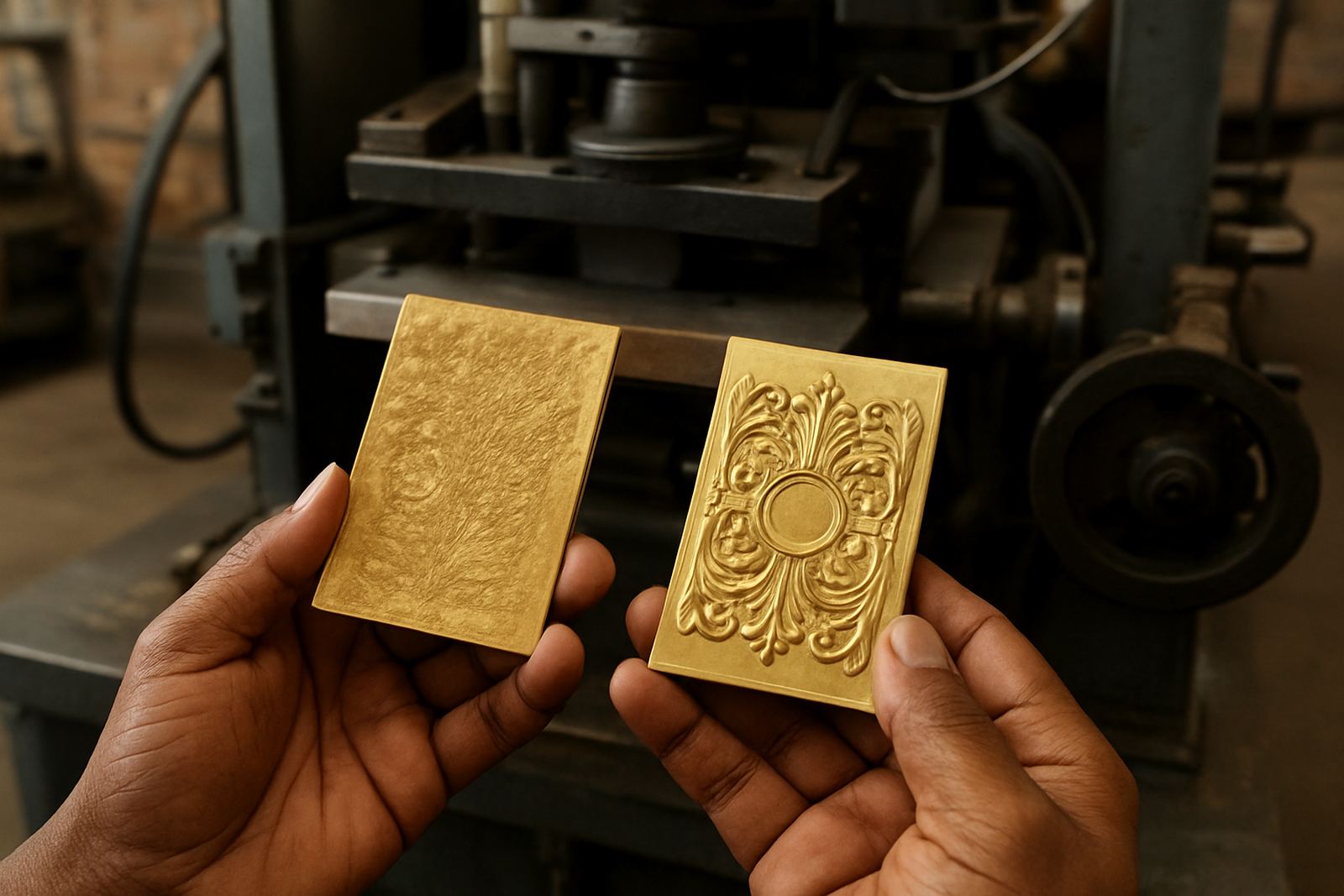
Fill in shows up when foil bridges across gaps that should stay open. Small counters in letters close, hairline rules thicken, and textured backgrounds turn into a solid patch. On packaging, that can make a premium label look heavy and muddy instead of crisp.
It is common on fine type, reverse knockouts and detailed line work, especially when the job is pushed too hard on pressure or temperature. If the artwork is already tight, then even a small shift in counterforce or foil release can change the result quite a bit.
- Closed counters in small letters and numbers
- Foil pooling in corners and serif details
- Blurred edges around fine borders
- Loss of white space in logos and crests
Start with artwork that gives the foil room to breathe
The best way to reduce fill in is to design for the process, not just for the screen. Fine detail that looks perfect on a monitor can disappear once it is stamped. Artwork checks should pick up tiny reversed text, thin rule widths and cramped spacing before the die is cut.
As a rule, leave generous spacing around reverse text, avoid tiny serifs where possible, and keep important open areas slightly larger than you think you need. If a logo has a very tight internal gap, the die can be engraved perfectly and still struggle on press. The pressman then ends up chasing settings for a problem that started in the file.
- Avoid reverse text that is too small for the chosen foil area
- Keep line gaps open, especially in packaging seals and borders
- Check overprinted artwork carefully where layers may hide detail
- Build in enough allowance for board movement and foil spread
Choose the right die material and engraving method
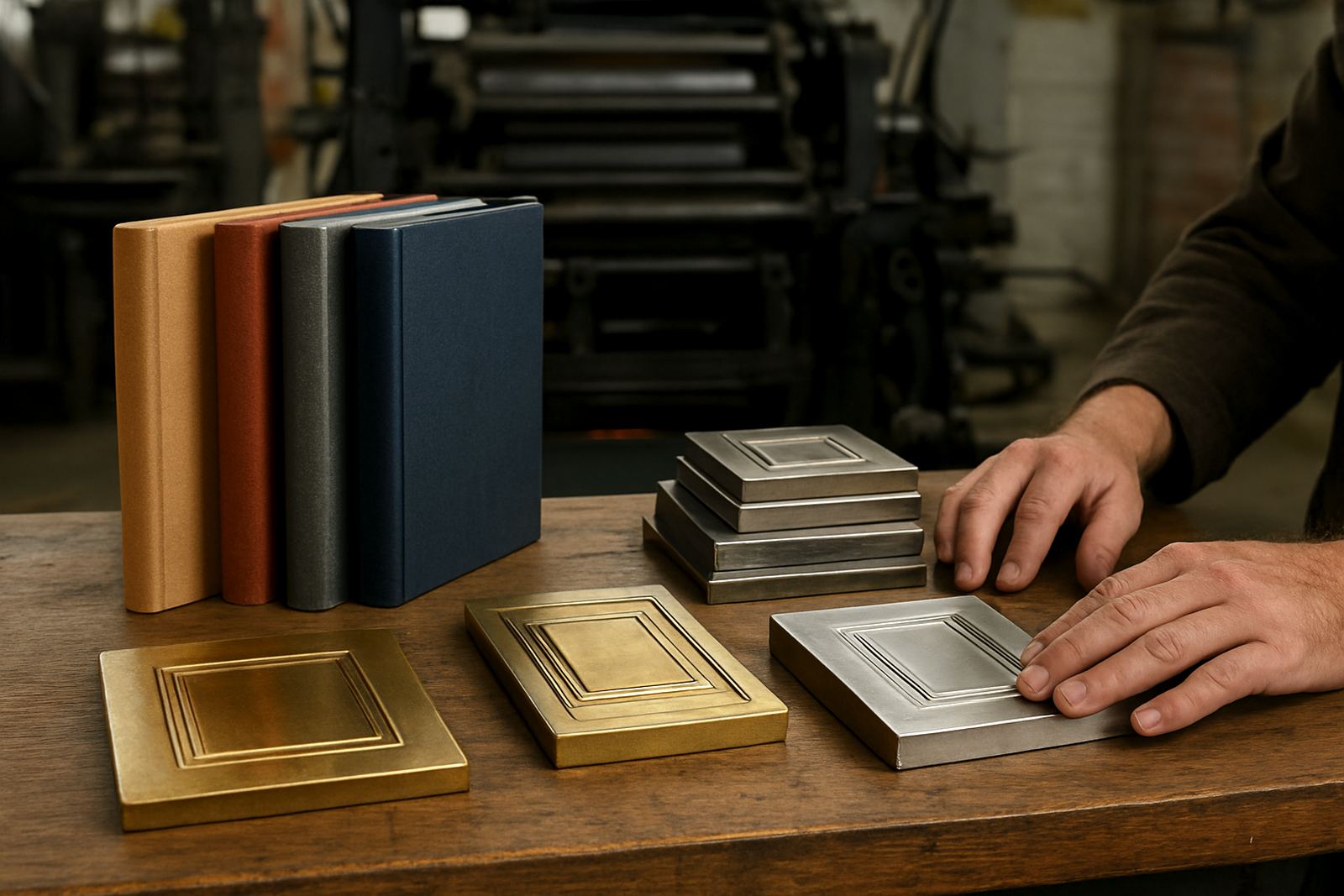
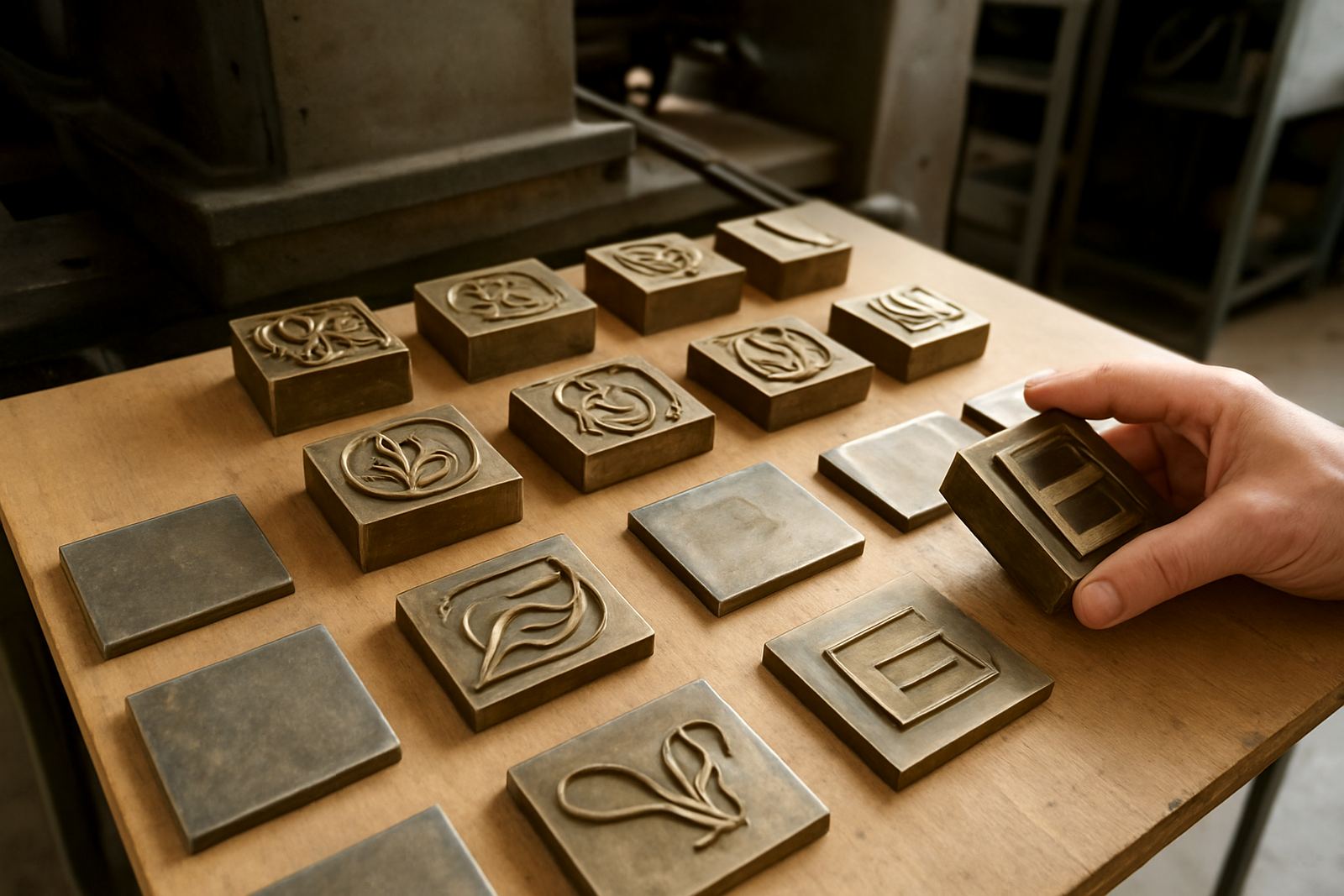
Brass and magnesium dies each have their place, but the choice should match the job. For longer runs and fine detail, brass generally gives better durability and a cleaner edge over time. Magnesium can be suitable for lighter work, but if a job runs hard or needs repeat use, wear can show up faster and contribute to fill in.
Engraving depth and edge quality matter just as much. A die cut too shallow may not release cleanly, while one cut too aggressively can create rough edges that trap foil. The engraving should suit the substrate too, because coated board, uncoated stock and synthetic material all behave differently under heat and pressure.
- Use brass where fine detail must stay stable over repeat runs
- Match die depth to the stock and foil type
- Check that small openings are not over-cut or under-cut
- Consider a sample impression before full production
Set heat and pressure for a clean release
Most fill in problems get worse when the press is set too hot or too heavy. More heat does not always mean a better image, and extra pressure can force foil into spaces that should stay open. The trick is to get enough transfer for a clean shine, but not so much that the foil floods the detail.
On jobs running in Johannesburg or Pretoria, operators often deal with dry indoor conditions and fast turnaround expectations. In Durban or Gqeberha, humidity can change board behaviour and foil handling. That means one setting rarely suits every site. A sensible setup uses test pulls, small adjustments, and a proper read of how the stock is reacting before the main run starts.
- Begin with moderate heat, then step up only if transfer is weak
- Reduce pressure if foil is creeping into fine spaces
- Allow time for the board to stabilise before judging the impression
- Watch for changes through the run, not only on the first sheet
Use counterforce and make-ready to hold the detail open
Counterforce matching is one of the most useful tools for avoiding fill in. When the counterforce is set correctly, the die bites evenly and the foiling material releases where it should. If the counterforce is off, some areas will overprint while others stay dull or clogged.
Good make-ready also matters. Packing should be even, the base should be clean, and the sheet should sit flat. A slight high spot can push one part of the design too hard and leave another part soft. That is how a neat border ends up with one corner packed solid and another corner looking underdone.
- Check packing under the full image area, not only at the centre
- Match counterforce to the exact die and substrate
- Keep the base clean so pressure is consistent across the sheet
- Recheck after any machine stop or temperature change
A local example from a packaging run in Industria
A packaging house in Johannesburg needed foil on a short run of carton sleeves for a premium gift pack. The logo had small internal spaces and a fine frame around the name. On the first trial, the counters started closing up and the border looked heavier than it should. The issue was not the artwork alone. The press was running a touch hot, the pressure was too heavy, and the board was shifting slightly under load.
After the artwork was checked again, the die was reviewed, then the sample impression was adjusted with lighter pressure and cleaner packing. The result was much sharper. The open spaces stayed open, the frame read clearly, and the client could send the job out with confidence. That kind of correction saves time because it avoids rework, wasted foil and unhappy end customers.
- Check the file first before changing the press settings
- Test one adjustment at a time so you know what helped
- Keep a sample sheet for repeat ordering and future comparisons
- File the job details so the next run starts from a known setting
Keep repeat orders consistent and prevent the problem coming back
Once a job is behaving well, the next step is to keep it that way. Job filing, repeat ordering and proper damage assessment help a lot, because a clean run today can turn into fill in next month if the die has worn, the stock has changed, or the press settings were not recorded properly.
If a die needs cleaning, alteration or rechecking before dispatch, do it early. For customers in Cape Town, Bloemfontein, Polokwane or Mbombela, courier time means there is little room for avoidable delays. A clear record of the artwork, die spec and sample impression makes the next order faster and more predictable.
- Store the approved impression with the job file
- Inspect used dies for wear before the repeat run
- Ask for alteration if the artwork has changed even slightly
- Keep delivery and packing notes together for future jobs