
Artwork errors that show up only once the job is on press
Most artwork problems are not dramatic on screen, but they become obvious when the die hits the board or the foil starts picking up unevenly. In Johannesburg, Pretoria and the coastal centres alike, we see the same issues repeat themselves: artwork sent at the wrong size, thin details that cannot hold up, and files that mix up the parts needed for stamping, embossing and counterforce. Those mistakes cost time, and on an urgent turnaround they can put the whole schedule under pressure.
The aim is not to overcomplicate the process. It is to make sure the artwork suits the job, the substrate and the finish before engraving begins. When that happens, the die lasts longer, the impression is cleaner and the repeat order is easier to handle later on.
Scale problems and missing allowances
One of the most common errors is artwork supplied at the wrong final size. A design that looks acceptable at 100 percent on screen may still be too small for a practical emboss, or too large once the packaging layout is locked in. This matters even more where the design has to align with folds, seams or a register mark on an existing carton. If the artwork is not checked against the final flat size, the die can arrive in time but still miss the mark.
Bleed, safe area and trim allowances also need attention. Foil and embossing work often depends on a margin that looks minor on the layout, yet it makes a real difference to production. A neat artwork file should account for cutting, folding and any board movement caused by humidity, especially in Durban and other coastal areas where paper stock can shift during storage.
- Check the final flat size, not only the artwork size shown on screen.
- Allow for bleed where the design runs close to the edge.
- Keep critical detail away from folds, creases and glued sections.
- Confirm whether the finish will sit on board, label stock or laminated material.
Fine detail that will not stamp cleanly
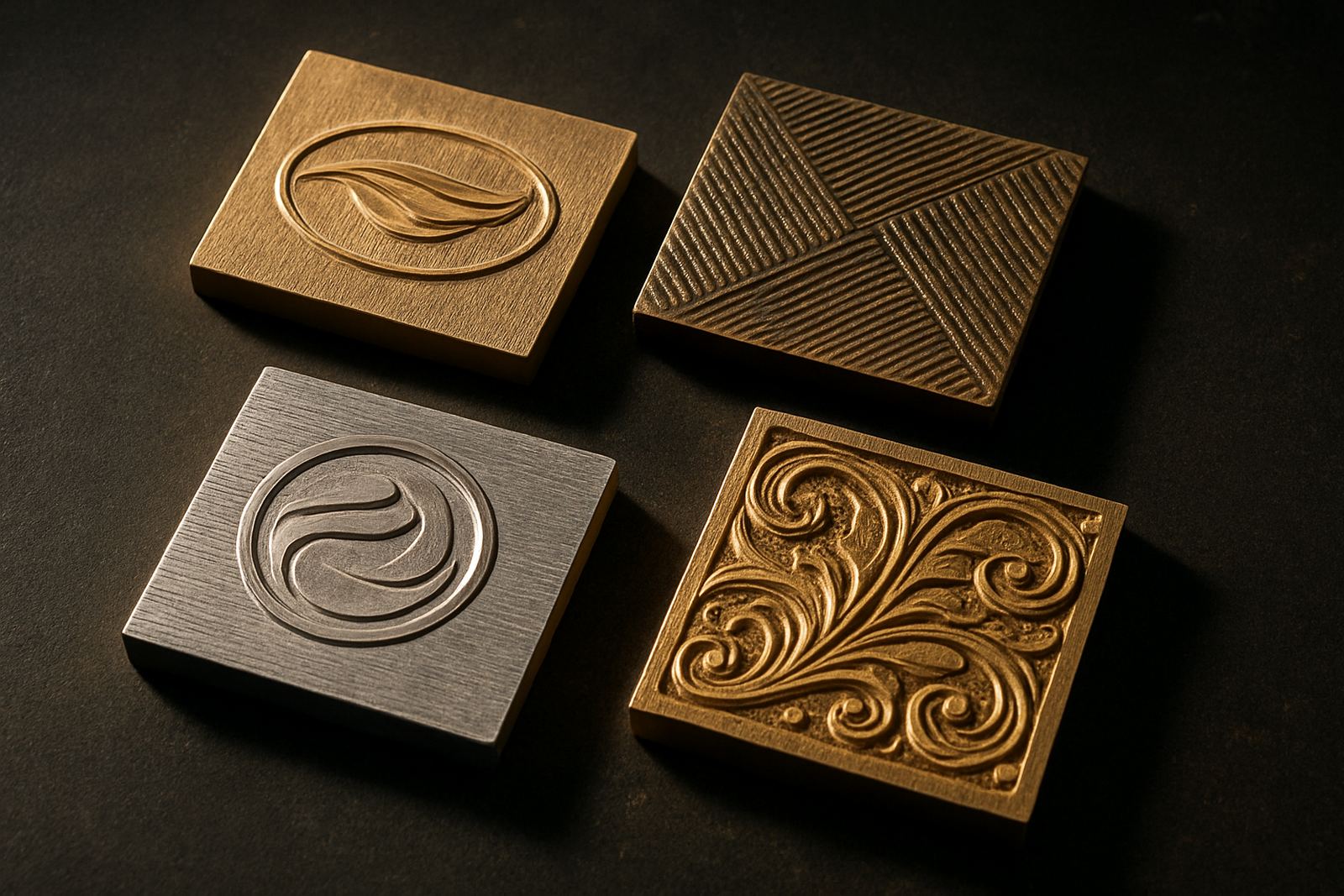
Very fine lines, tiny text and crowded decorative elements are a regular source of trouble. What looks elegant in the original layout may become weak once engraved into brass or magnesium. If the lines are too thin, the die may lose definition and the finished impression can look patchy or broken. Small text also struggles when the job needs repeated use, or when the press operator is balancing speed with pressure on a loaded shift.
For this reason, detail should be reviewed with the stamping process in mind. It is better to simplify a decorative border or open out a logo mark than to force a detail that will not survive production. On packaging runs, especially for premium cartons and presentation sleeves, clear geometry usually prints better than overly delicate artwork.
- Avoid hairline strokes unless the job has been tested before.
- Leave breathing space around small lettering and symbols.
- Watch out for reversed text, tight counters and overcomplicated crests.
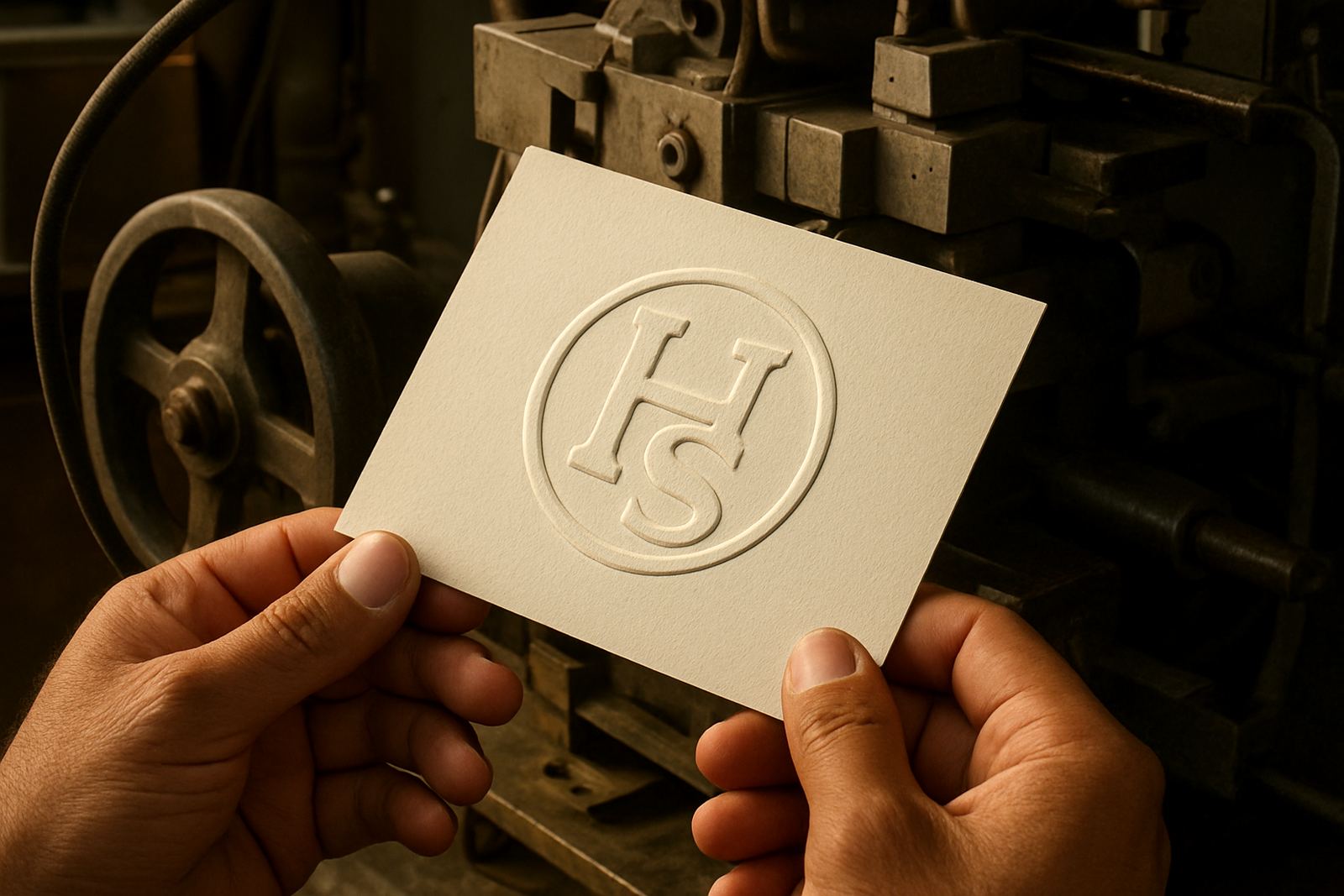
- Ask whether the artwork suits hot foil, blind embossing or a combined finish.
Colour separations and artwork files that confuse production
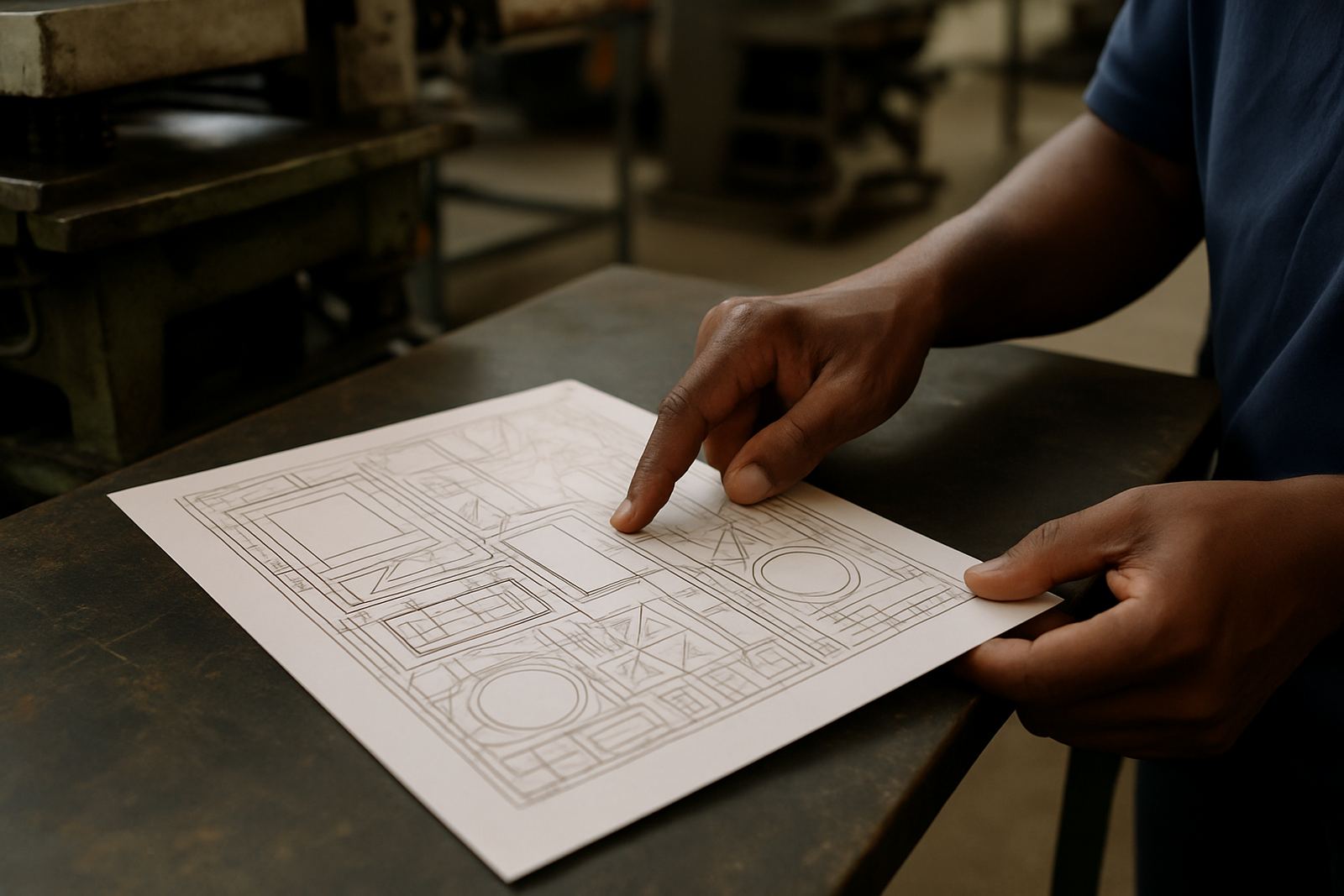
Another common problem is a file that looks tidy to the client but unclear to the production team. Artwork sent with the wrong layers, unnamed elements or mixed colour references can delay approval and make the engraving stage slower than it should be. For a die order, the important parts must be easy to read: what is to be stamped, what is to be embossed, and what stays as background.
When a design is supplied for a local packaging house in Industria, or sent onward to a finisher in Cape Town or Gqeberha, the file needs to travel well. PDF exports should be checked carefully, and linked images should not go missing. If a job is meant for a repeat order later, job filing becomes just as important as the first production run.
- Label all layers clearly and remove unused artwork before sending.
- Use clean vector artwork where possible for logos and line work.
- Confirm that overprints, knockouts and spot colours are set correctly.
- Send the latest approved version only, not a mix of old amendments.
Why counterforce, reverse artwork and samples matter
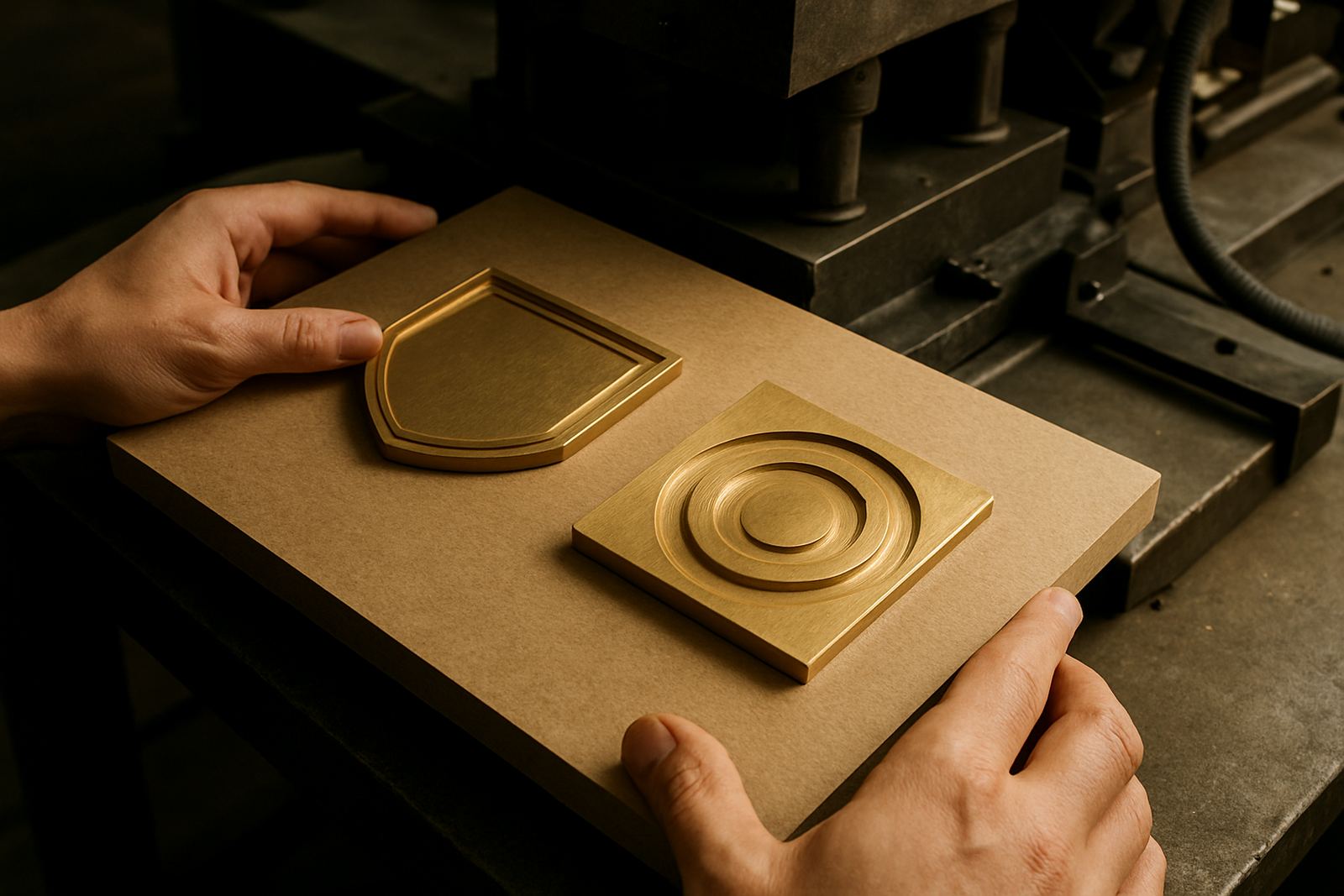
Embossing does not end with the visible artwork. The counterforce has to match the raised or recessed areas, otherwise the finished piece can flatten in the wrong place or show uneven pressure. This is where a clean artwork setup saves a great deal of back-and-forth. If the reverse, counterforce or mating plate is misunderstood, the job may still go into engraving but the result will not hold properly.
Sample impression advice is useful where the finish is new to the client or where the board is unusually heavy. A sample can show whether the design needs more space, more pressure or a different plate setup. For a brand team working out of Pretoria or a packaging customer in Bloemfontein, that extra step can prevent a second round of amendments and another courier charge.
- Check whether the design needs a matching counterforce.
- Use sample impressions to confirm depth, alignment and pressure.
- Review the reverse side of the board before final approval.
- Do not assume a foil-only layout will work for embossing as well.
A practical Johannesburg example from a packaging run
A common scenario is a carton label designed for a Johannesburg customer, then adapted for wider distribution to Durban, Polokwane and Mbombela. The artwork looks fine on the screen, but the logo sits too close to the fold and the small text underneath is too light for a clean impression. If that file goes straight into die production, the finisher may end up with a result that needs alterations, or a fresh plate entirely.
The better approach is simple. Check the art at full size, confirm the finish, confirm the board and confirm the latest version before engraving starts. That saves time for everyone, whether the job is a single replacement die or a repeat order for a full packaging range. At Hot Stamping Dies, the artwork check is there to catch the things that are easy to miss but hard to fix later.