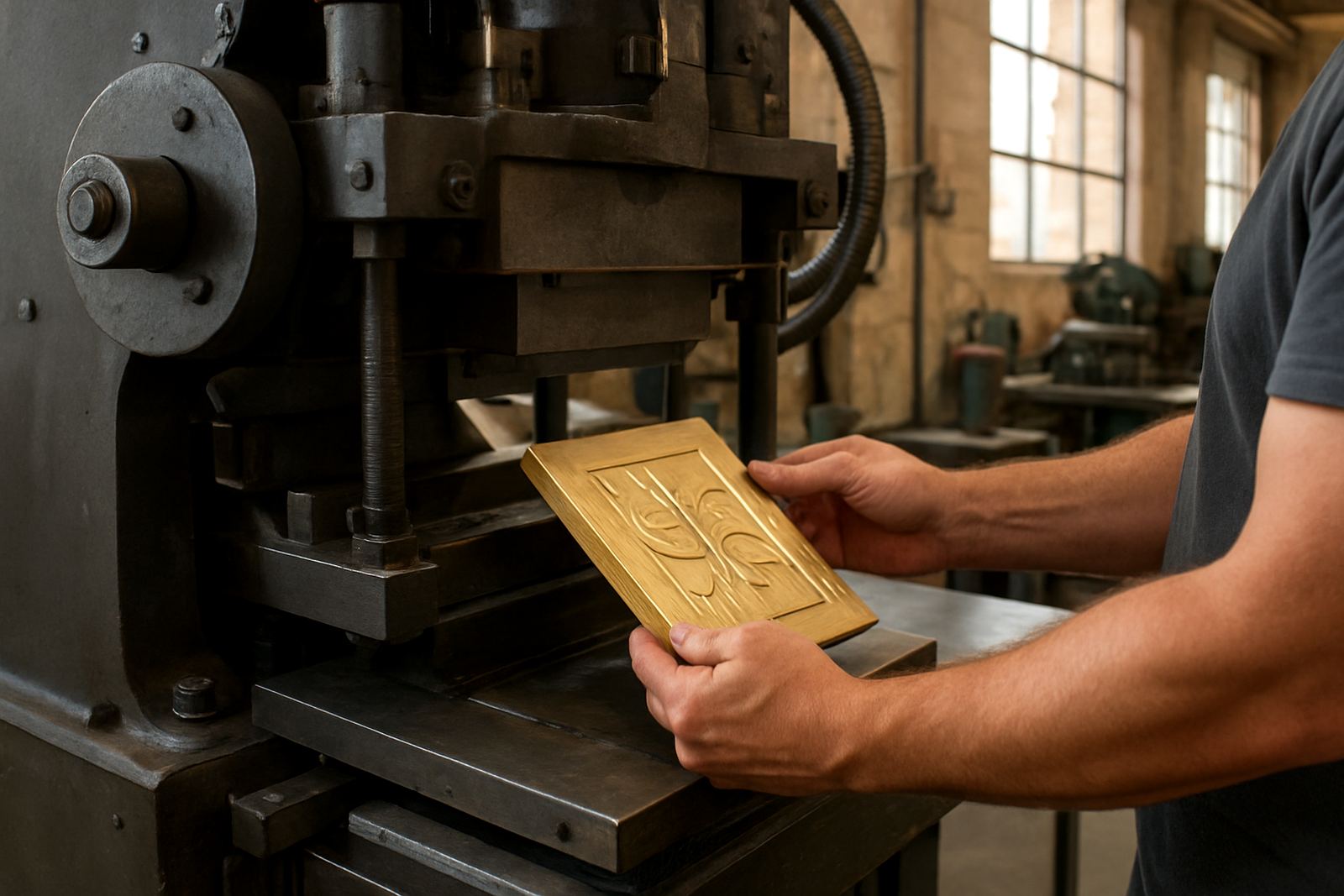

What to send with every enquiry
For each new job, send the final artwork file, the finished size of the area to be stamped, and a short note explaining what the die must do. If the job is for cartons, labels, sleeves or foil blocking, say which surface we are working on and where the stamp must sit. The more complete the job note, the quicker we can confirm whether the design is suitable for brass or magnesium, and whether any line work needs adjustment.
Please keep all text, logos and line art in a single clear version. If you are sending more than one item in a job, label each one properly so there is no mix-up at dispatch. This is especially useful for print finishers handling repeat orders across Johannesburg, Pretoria, Durban and Cape Town, where jobs often move between artwork, packing and courier collection in one day.
- Final artwork file in a print-ready format
- Finished stamp size in millimetres
- Material to be stamped, such as paper, board, leather or film
- Position notes, including top edge, spine, flap or panel
- Quantity required and whether it is a repeat order
Best file types for die work
Vector artwork gives the cleanest result because it keeps lines sharp at any size. We can work from common print files, but editable vector artwork is best for accurate engraving and clean counterforce matching. If your file is a low-resolution image, we may need to redraw parts of it before production, which can add time especially when a client wants an urgent turnaround during load shedding or on a tight courier cutoff.
Use one of these file types where possible:
- AI or EPS for editable vector artwork
- PDF with vector elements preserved
- CDR if supplied as a clean working file
- High-resolution TIFF or PNG only if the artwork is simple and approved for redraw
Avoid sending photographs of printed matter unless that is the only reference available. A phone picture can help with layout clues but it is not suitable as the final source for engraving. If a logo has already been used in a packaging or print run, send the original artwork rather than a scan from a carton or label.
Outlines, fonts and line weight
Before you send the file, convert all text to outlines or curves. This avoids font problems and keeps the lettering exactly as approved. If the file still contains live fonts, we may need to pause the job while we check substitutions and spacing. That slows down production and can affect the dispatch slot, which is not ideal when a package is booked for same-day collection in Industria.
Keep an eye on line thickness, small text and fine details. Very thin strokes may not stamp well, and tiny lettering can fill in or lose clarity depending on the surface and pressure. As a rule, simple shapes and solid spacing work better than crowded artwork. For embossed jobs, leave enough room around the design so the counterforce can be matched properly. A clean file saves time on the press room floor and gives a better finish, no doubt.
- Convert all fonts to outlines
- Keep line work bold enough for engraving and stamping
- Avoid hairline rules and overly fine detail
- Leave breathing room around small lettering
- Remove hidden layers, unused images and stray marks
Sizes, position marks and die depth notes
Always send the final size in millimetres, not in vague terms like small, medium or large. If the die must fit inside a carton panel, label window or foil area, give the exact dimensions and tell us whether the size is finished artwork or substrate size. That difference matters when we are checking placement and making sure the stamp lands where it should.
Include any position marks you want us to follow, such as centre lines, trim edges, fold lines or grain direction. For embossing plates, tell us whether the job needs a light impression or a deeper raised effect. If you have a sample impression or a previous job reference, add that as well. These notes help when matching repeat orders for packaging houses in Gqeberha, Bloemfontein or Mbombela, where consistency across batches is important.
- Give all sizes in millimetres
- Show the exact stamp position on the layout
- Mark trim, fold and centre lines clearly
- Note if the job is for embossing, debossing or foil blocking
- Add previous job references for repeat work
Notes for tricky artwork and special finishes
If your design has fine script, reversed text, small frames or deep blocking areas, flag it in the enquiry. These details may need extra checking before engraving. Where the artwork includes gradients, shadows or blended effects, simplify the design so the final stamp reads clearly. Hot stamping and embossing work best with firm shapes and good contrast, not soft photographic effects.
For coated board, textured stock or uneven surfaces, mention the material in the note. The substrate affects the impression and may change how the die is prepared. If you are unsure whether the artwork will stamp well, ask for sample impression advice before the job is released. It is easier to adjust the file early than to correct a finished die later, and that saves both time and Rand.
- Flag fine script and reversed text
- Simplify gradients, shadows and photo effects
- Tell us the exact substrate and finish
- Ask for sample impression advice if needed
What happens after you submit the file
Once we receive your enquiry, the artwork is checked for size, clarity and production suitability. If anything is missing, we will ask for the specific detail needed so the job can move forward without guesswork. After approval, engraving can begin and the job is filed for repeat ordering, which makes reprints easier when a packaging line needs the same die again months later.
We also keep notes for die alterations, cleaning, damage assessment and packing dispatch. That means if a die comes back after heavy use or a courier run, we can assess it properly and advise on the next step. For Johannesburg clients in Industria, this local base helps with direct handover where required, while nationwide customers still get careful packing and couriered delivery to their print finishing teams.
Quick checklist before you click submit
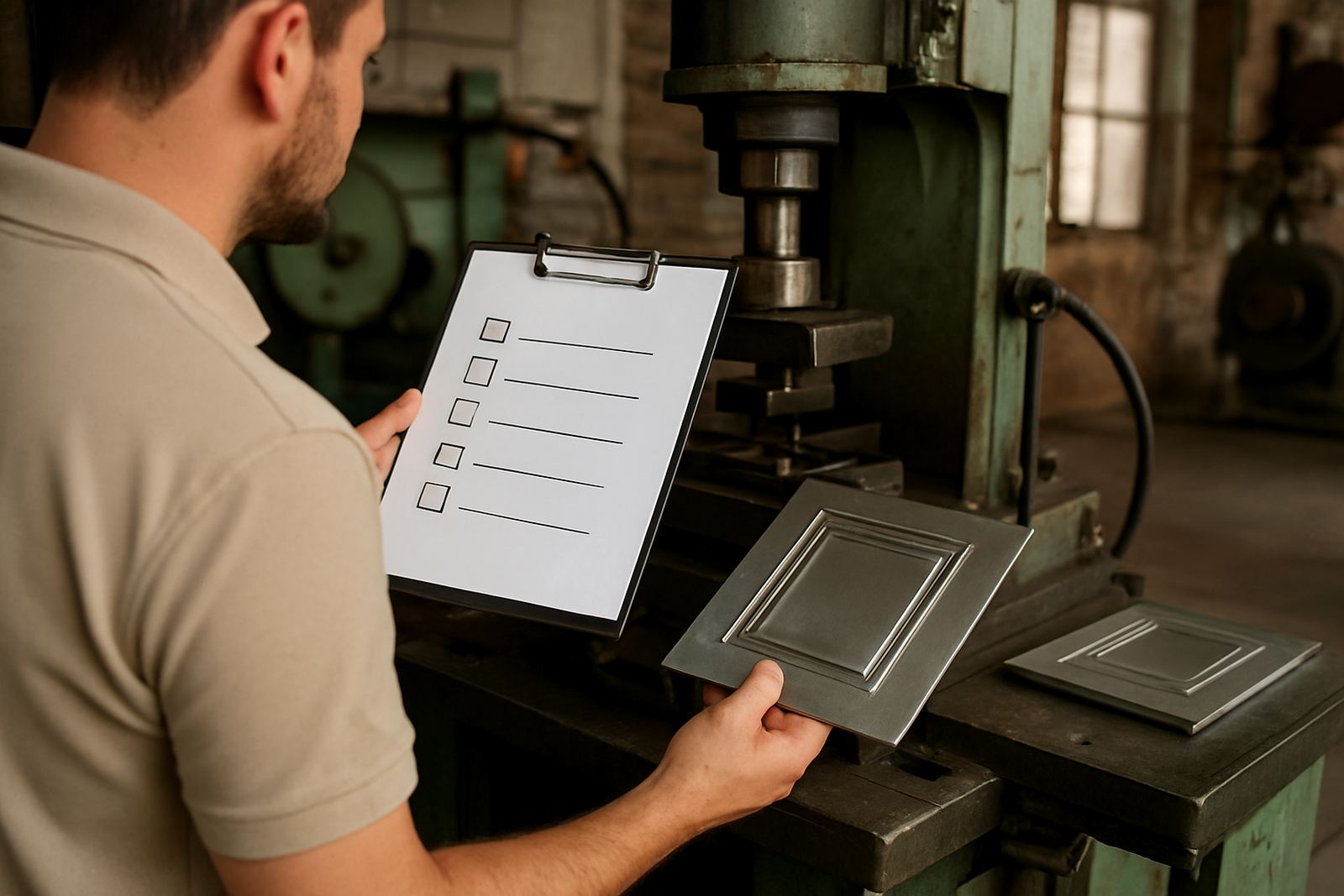
Use this final check before sending your enquiry. It takes only a few minutes and can prevent delays at the engraving stage. If you are sending artwork on behalf of a client, make sure the approved version is the one attached, not an early draft or a mark-up with old notes still on it.
- Final vector file attached
- Text converted to outlines
- Size given in millimetres
- Material and finish noted
- Position marks included
- Repeat order reference added if available
- Contact details entered on the enquiry form
If everything above is in place, we can review the job faster and guide you on the next step. A clear brief keeps the process moving and helps ensure the die arrives ready for the press room.